
Publish posts to LinkedIn either as a personal profile or an organization page using a connected account, and trigger workflows when people comment, react, share, or mention you.
With Autom8AI, you can connect LinkedIn to your workflows to publish posts on a schedule, capture and enrich leads, send personalized outreach, and track engagement. Pair it with Google Sheets, Slack and Notion to log every post, alert your team and archive content, without the manual work.
Node Operations
Explore actions and triggers supported by LinkedIn.
Actions (1)
Publish Post
Profile & Page Publisher
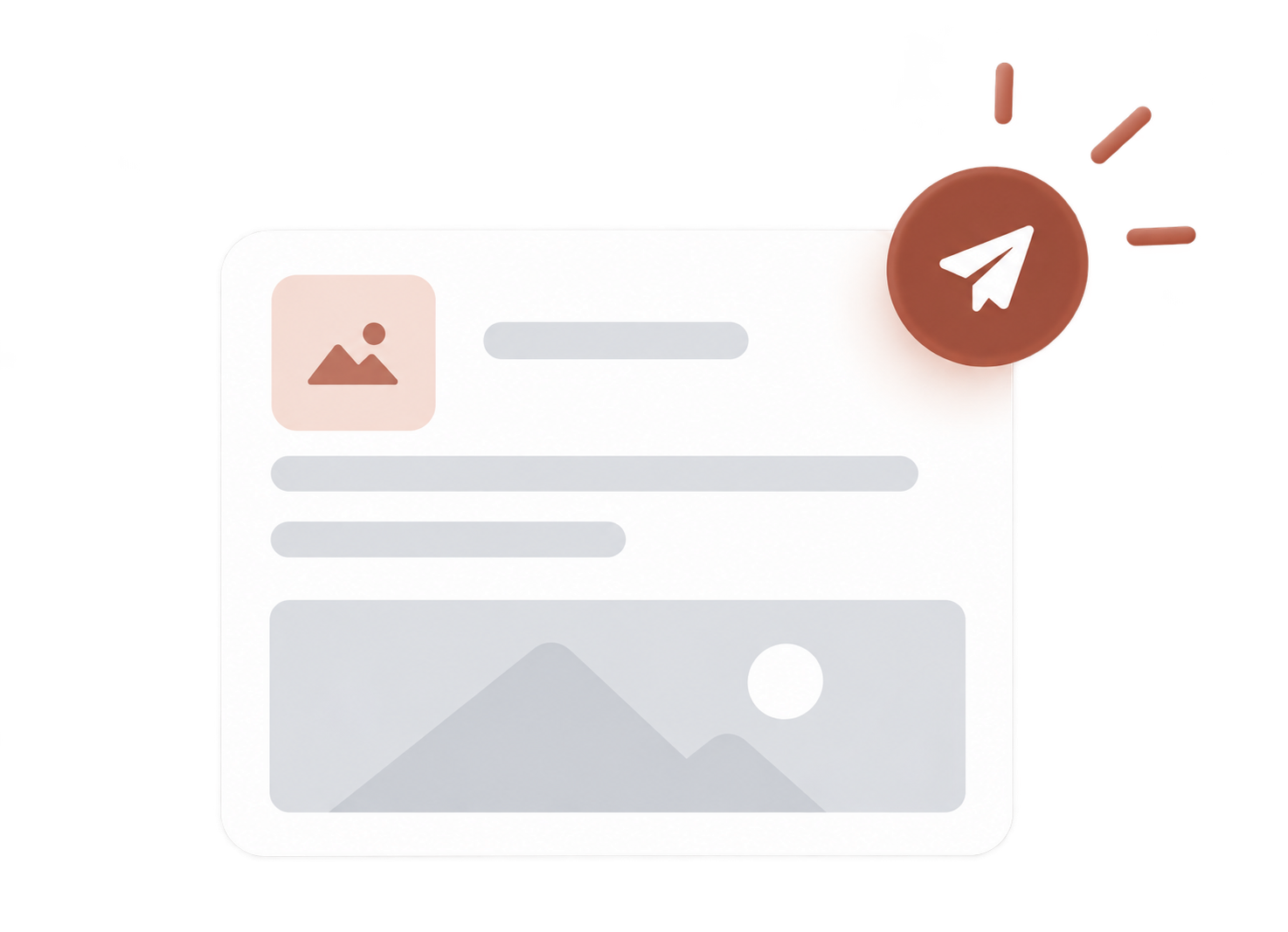
Publish posts to LinkedIn as a personal profile or an organization page using your connected account. Supports workflow variables, so AI-generated content can go live automatically.
Triggers (4)
Comments
Fires when someone comments on a LinkedIn post or company page, so you can run moderation loops or send instant replies.
Reactions / Likes
Fires when members react to your posts (Like, Celebrate, Support, Insightful, Funny), enabling lead scoring and intent enrichment.
Shares
Fires when your posts or updates are reshared by members or employee advocates, so you can track virality and thank them automatically.
Mentions
Fires when your profile or organization is mentioned or tagged in public updates, commentary, or media articles.
Commonly Paired Nodes& Workflow Synergies
Combine LinkedIn with other nodes to build powerful, connected workflows.

Google Sheets
Keeps a record of every post. Useful for tracking consistency and topics.

Slack
Tells the team the post is live so they can like and comment early. Early engagement helps reach.

Post Proxy
Republishes to X, Threads, Facebook and more. One workflow covers all channels.

Wait
Delays a follow-up such as a comment reply or a repost. Spreads content over time.
Notion
Archives posts in a content database. Makes reuse and reporting easy.

Mailchimp
Turns LinkedIn posts into newsletter content. Gets double value from every idea.