
PDF Summarizer
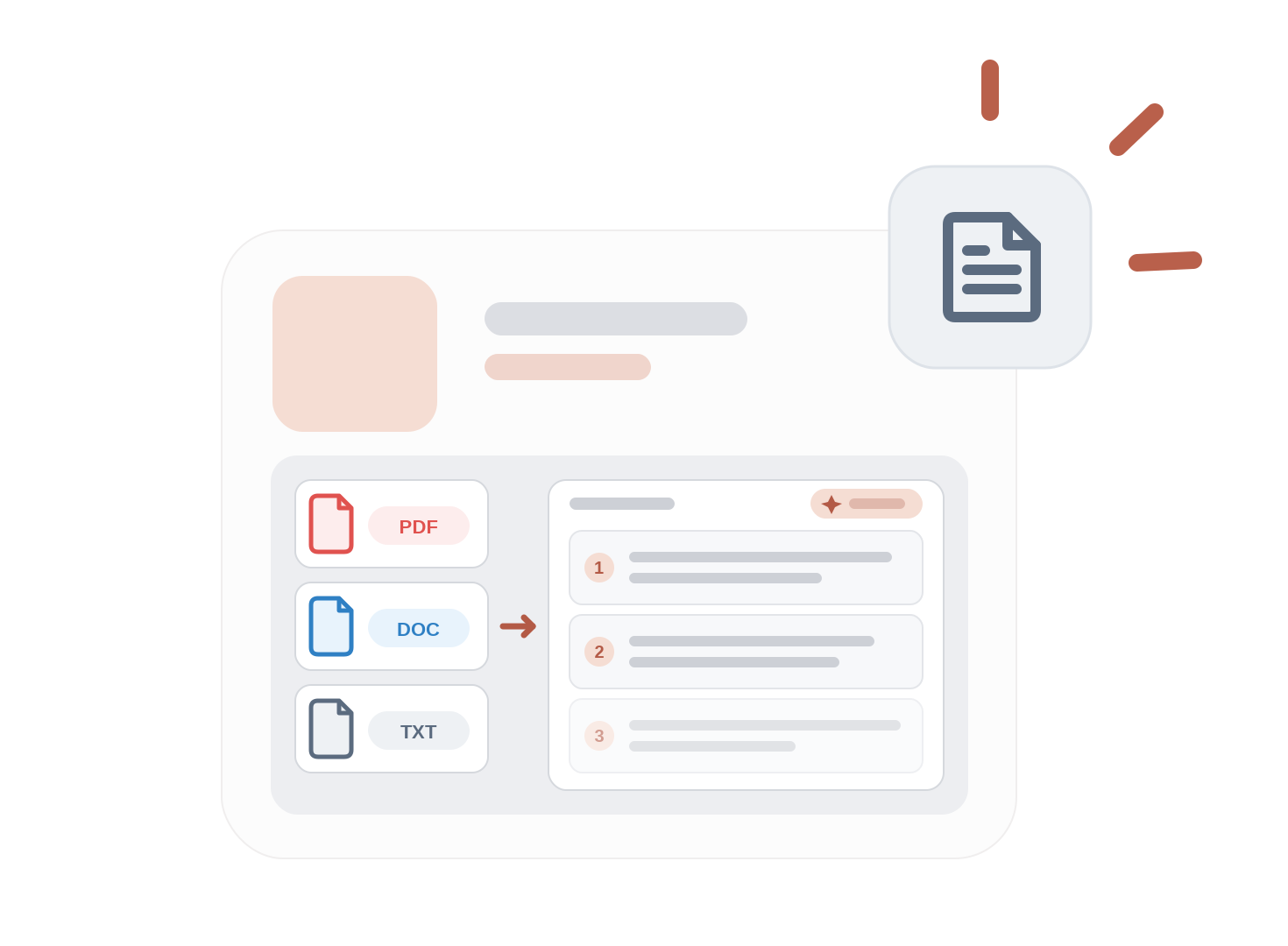
Upload a PDF, Word document, or text file and extract its text for an AI summary. No external storage required, so long documents become short, usable insights inside your workflow.
With Autom8AI, you can add PDF Summarizer to your workflows to extract text from uploaded documents and pass it to your AI steps automatically. Pair it with OpenAI, Hugging Face, Google Docs, and Gmail to summarise long files, build a searchable knowledge base, save editable summaries, and send key points to stakeholders, without the manual work.
Node Operations
Explore actions supported by PDF Summarizer.
Summarize Document
Document Text Extraction
Fetch an uploaded PDF, Word document, or text file and extract its text and chunks, ready for the next AI node to summarise.
Commonly Paired Nodes& Workflow Synergies
Combine PDF Summarizer with other nodes to build powerful, connected workflows.

OpenAI (Text generation)
This is the actual summarising step. Large-context models can take the whole document in one pass.

Hugging Face (Feature Extraction) then Knowledge Base (Store)
Makes your documents searchable by AI. Powers company Q and A and catalogue bots.

Google Docs (Create)
Saves summaries as editable, shareable documents. Builds a searchable library.

Slack (Send)
Delivers key points to stakeholders. Saves reading time.

If (Conditions)
Warns when a long document was cut for embedding. Avoids a silently incomplete knowledge base.

Google Sheets (Append row)
Maintains an index of processed documents. Useful for legal, research and finance.